
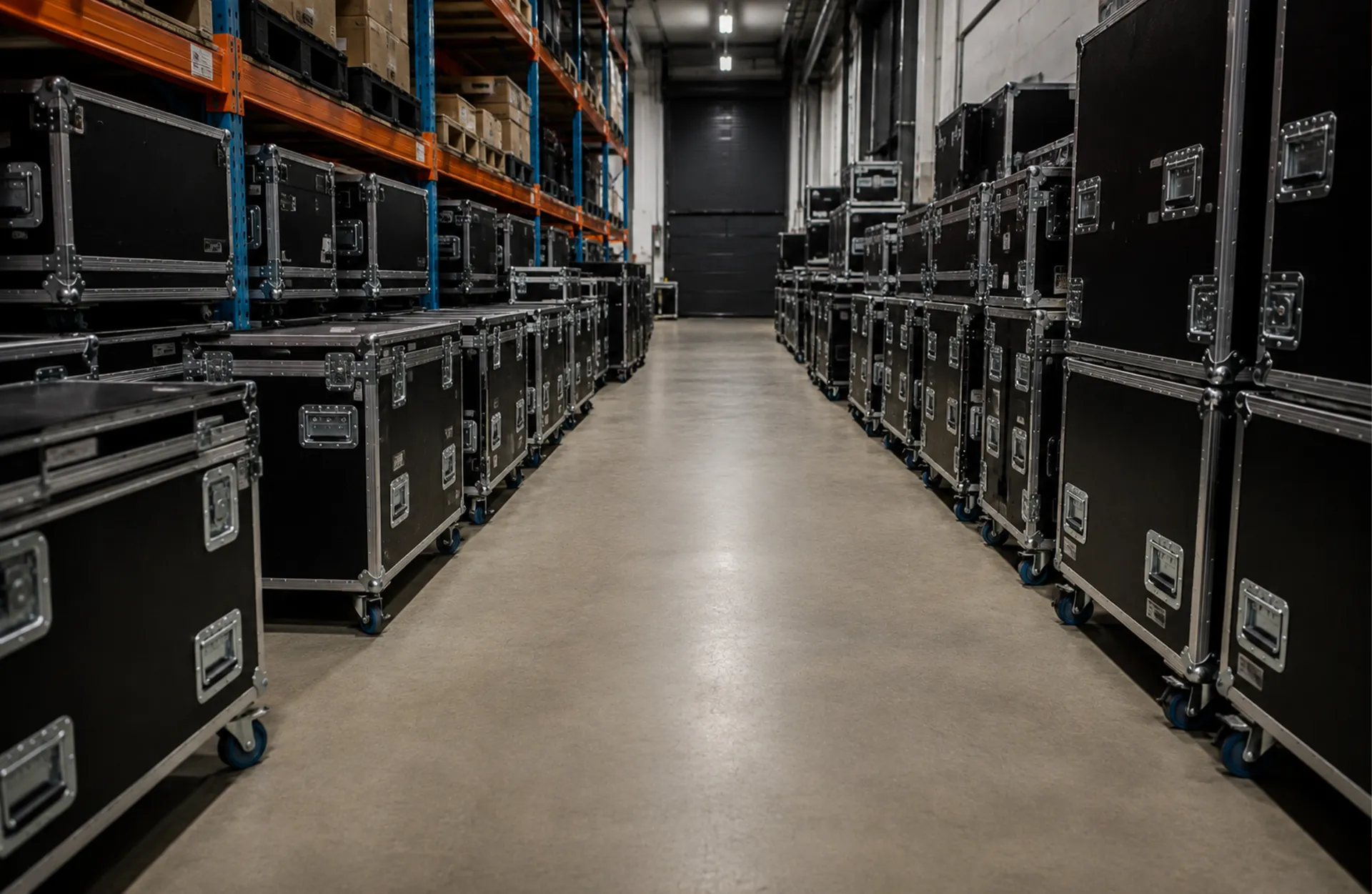
Event equipment rarely leaves the warehouse one piece at a time.
A wireless microphone needs more than a transmitter. A projector package may include lenses, cabling, adapters, mounts, and cases. Lighting systems come with their own supporting pieces too. Your warehouse already thinks about that equipment as a group. The problem starts when your rental software does not.
Rather than pulling one complete package, teams have to work through every component individually. Accessories get added to quotes again and again. Pull sheets get harder to read. Technicians scan gear one piece at a time even when it always travels together.
That creates unnecessary work around equipment your team already treats as a system.
Better package and kit management closes that gap.
Your Gear Already Travels Together
Packages are useful because they carry more than a list of items. They carry the logic behind how your team actually works.
A wireless microphone kit, projector package, production rack, or road case usually has a standard set of components that belong with it. When those relationships are built into the system, the team does not have to rely on memory every time that equipment is quoted, pulled, scanned, or returned.
Without that structure, the same work gets recreated across departments. Sales adds components manually. Operations checks that nothing was missed. The warehouse works through each piece individually. Returns require the same verification all over again.
A good package or kit will reduce that repeated work.
More Line Items Does Not Always Mean More Control
Listing every piece of equipment separately can feel like the safest way to keep track of what is going out.
But when every accessory, cable, component, and case becomes another line on a pull sheet, the important relationships can get harder to see.
If a technician is pulling a complete package, the pull sheet should make it clear what belongs together. They should not have to reconstruct a kit from dozens of individual line items or rely on memory to know which accessories go with which piece of equipment.
Good package management makes those relationships easier to see and easier to work from.
Flex supports reusable kits and packages, linked accessories, and pull sheets that can include relevant kits and accessories and organize gear by case or container. That gives warehouse crews a clearer view of what belongs with the equipment they are preparing.
Stop Building the Same Package Over and Over
Some equipment combinations change from show to show. Others do not.
If the same microphone package, projector setup, or equipment rack gets quoted and pulled regularly, rebuilding it one item at a time creates work your team has already done. It also creates another opportunity to leave something out.
Reusable kits give teams a better starting point. Equipment that normally belongs together can already be grouped, while still giving teams the flexibility to adjust the package when a particular job calls for something different.
Good package management should make repeatable work easier without forcing every show into the same setup.
One Scan Can Represent a Lot of Work
Cases, racks, carts, and other containers are an important part of how equipment actually moves through the warehouse and onto a show.
Knowing that an asset is assigned to a job is useful. Knowing which case or rack it is packed inside can make a much bigger difference when a truck is being loaded, or a crew needs to find something on-site.
The same idea applies to scanning. If equipment has already been grouped inside a trackable container, processing every component as though it were moving independently can add unnecessary steps to the warehouse workflow.
Flex supports container-based workflows that let teams track what is inside cases and containers. When a configured container is scanned out, the equipment inside it can be scanned out with it rather than requiring every contained item to be processed independently.
Return behavior is more configurable. Depending on the type of container, whether its contents are considered permanent, and the company’s scanning settings, contained items may scan back in with the container or may need to be verified individually.
The point is not to skip verification. It is to make the scanning process reflect the way the gear is actually moving.
How Flex Helps Teams Manage Kits and Containers
Flex was built around the way live event equipment actually moves.
Teams can build and reuse equipment kits and packages, link accessories, organize gear inside trackable containers, reflect those relationships in warehouse pull sheets, and use container-based workflows during prep and return.
That means less time rebuilding familiar packages and a clearer picture of what belongs together as equipment moves from quote to warehouse prep, job site, and return.
Your equipment already works as a system. Your rental software should too.
Bottom Line
Your team should not have to recreate the same equipment package every time it goes on another show.
When kits, accessories, and containers stay connected, repeatable work becomes easier to quote, pull, scan, and return.
Better package and kit management helps teams spend less time piecing together information they already know and more time getting complete equipment packages out the door.
CTA: Ready to see how Flex helps event rental teams build, track, and move equipment packages more efficiently? Schedule a demo with Flex Rental Solutions.
FAQ
What is kit management in event rental software?
Kit management allows event rental companies to group equipment that is commonly used together into reusable packages. This helps teams avoid rebuilding the same equipment lists for every job and keeps related accessories and components organized.
What is the difference between a kit and a container?
A kit defines equipment that belongs together as a group. A container represents where equipment is physically packed or transported, such as a case, rack, or truck.
Why should kits and related accessories be reflected on a pull sheet?
Showing kits, accessories, and container relationships clearly on a pull sheet makes it easier for warehouse teams to understand what they are preparing and identify missing gear before equipment leaves the warehouse.
Can event rental teams scan an entire container instead of every item individually?
Yes, in supported container workflows. For example, when a configured container is scanned out, Flex can automatically scan out the inventory contained inside it. Upon return, whether the contents also scan in automatically depends on the container structure, whether the contents are permanent, and the company’s scanning settings.
How do kits make event rental warehouses more efficient?
Reusable kits reduce repetitive setup, keep commonly paired equipment organized, make pull sheets easier to work from, and reduce the amount of information employees have to remember for every job.